
tap tap · free for everyone

Double-tap.
Screen off.

The power-button fix Pixel never shipped. Double-tap your home screen and it goes dark, without leaving accessibility on, so your bank apps keep working. Double-tap the back of your Pixel for brightness and volume sliders, and pick from wallpapers made for your camera hole.

0
logins or
sign-ups
0
ads or
trackers
1s
accessibility,
not all day
99KB
the whole
app

Direct download, about 99 KB · Android 13+ · MIT license

Play Protect blocks opening the APK straight from a browser in most countries. Setup below has the two ways in, on the phone or from a computer.

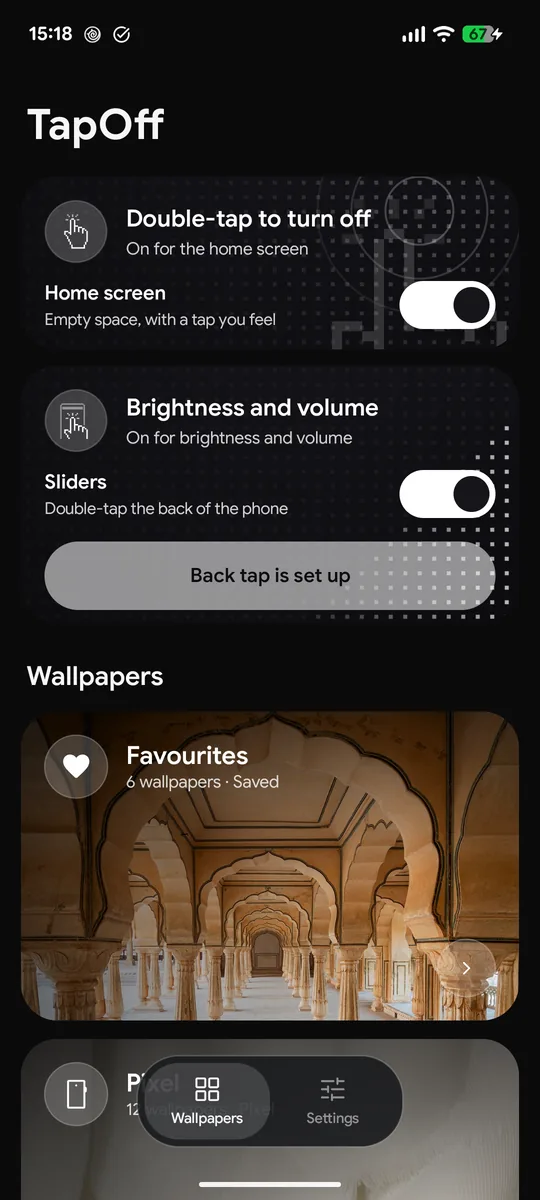
Double-tap empty space. Screen off.

TapOff's main screen in dark mode with the double-tap switch

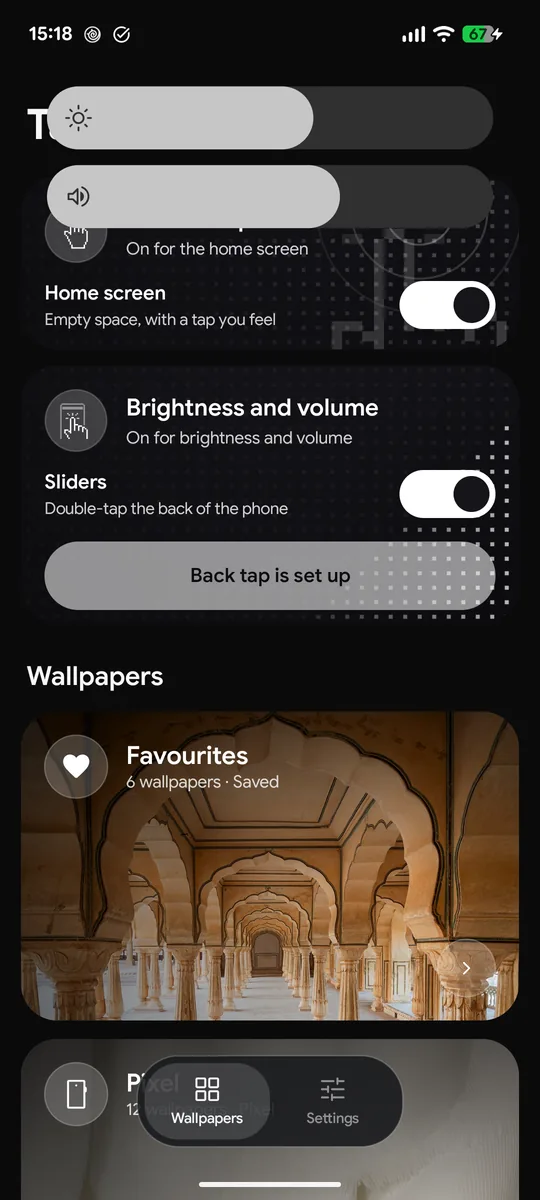
Tap the back twice. Brightness and volume.

Brightness and volume sliders grown out of the camera over TapOff

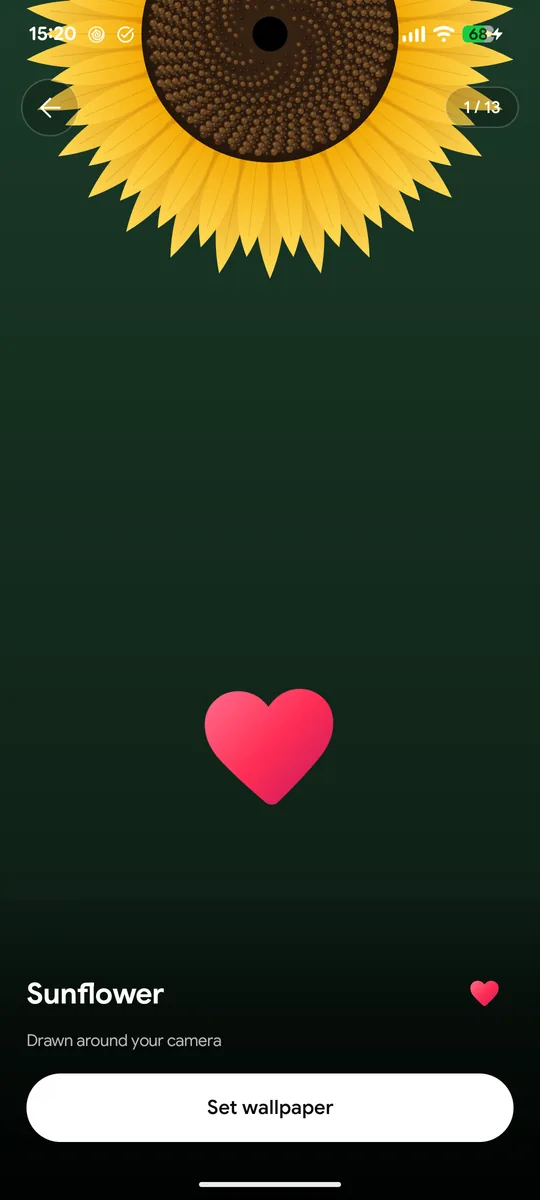
Double-tap a wallpaper to save it

A red heart popping over a wallpaper after a double-tap

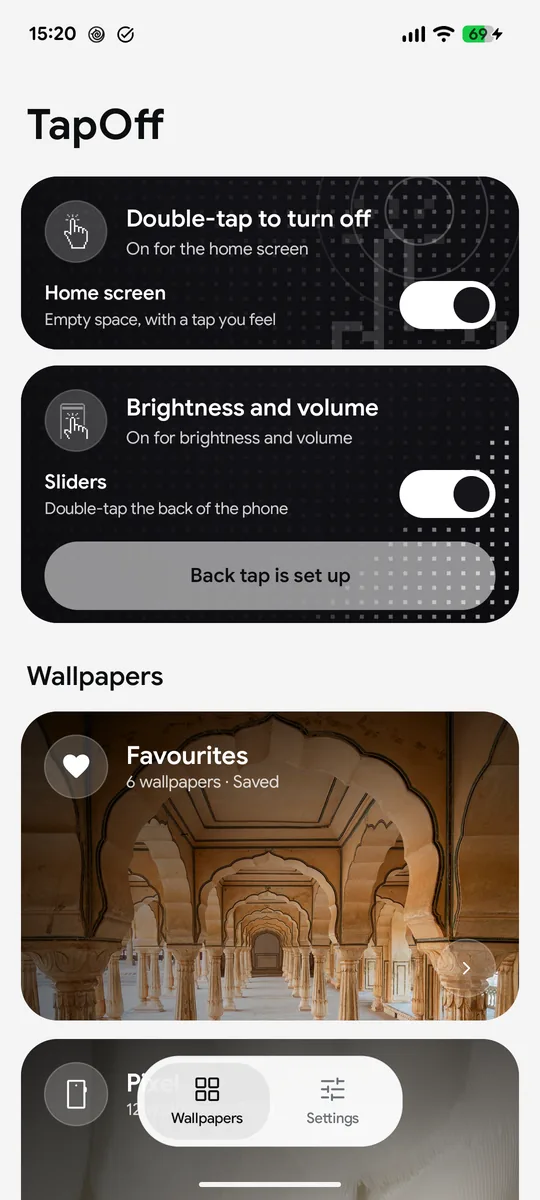
Light, dark, or follow your phone

TapOff's main screen in light mode

why it's good

Small app. Does its job properly.

Most screen-off apps keep an accessibility service running all day. TapOff doesn't, and that changes everything.

1s

Accessibility on for one second, not all day

Banking apps refuse to open while any accessibility service is on. TapOff switches its own on only for the moment you double-tap, turns the screen off, and switches it straight back off. Your bank app never sees it.

Fingerprint still unlocks

No forced PIN afterwards. The darkness closes in on the spot you tapped, with no flash of the lock screen.

A tap you can feel

A crisp haptic the moment your double-tap lands on the home screen.

Wallpapers for your camera hole

13 designs drawn live around your real camera cutout, at your screen's exact size.

And plenty more wallpapers

Pixel's own, today's Bing photo, NASA's Hubble photos, hand-picked art, or your photo. Double-tap one to save it to Favourites.

Quick Settings tiles

Screen off and Volume, one swipe down from anywhere, for when the buttons won't cooperate.

Nothing to sign into

No account, no email, no analytics. It only goes online to fetch wallpapers.

Open source, tiny

About 99 KB. Every line is on GitHub under the MIT license.

under the hood

What happens when you double-tap

Tap tap, you feel it, and the darkness closes in on the spot you tapped. No jump to the lock screen on the way down, and your fingerprint still unlocks it.

0 s

You tap twice

The TapOff wallpaper hears two taps on empty home-screen space, less than 0.4 s apart, and you feel a crisp tap straight away.

+0.1 s

Accessibility, briefly

TapOff switches its accessibility service on, only to press Android's own "lock" for you.

0.4 s

Closes in on your tap

A soft-edged circle of darkness shrinks to where you tapped while the phone locks, so it goes dark smoothly instead of flashing the lock screen.

1 s

Off again

The service switches itself straight back off. Your bank apps never see it running.

cutout collection

Your camera hole, but make it art.

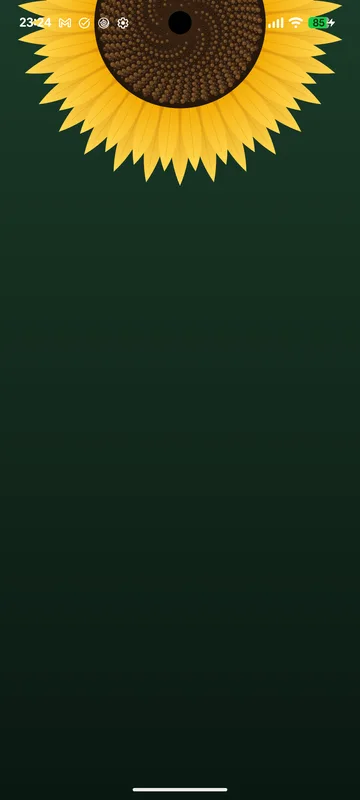
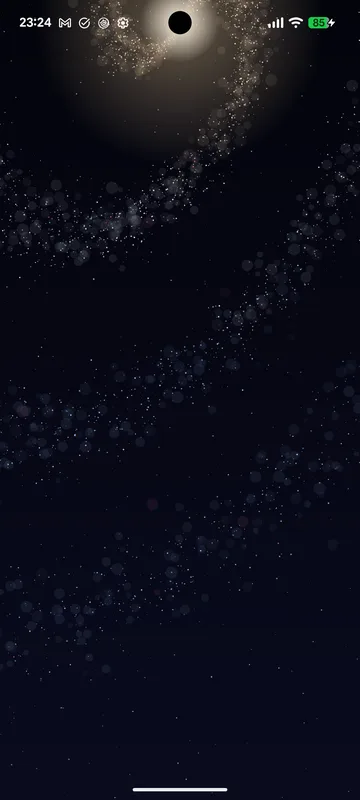
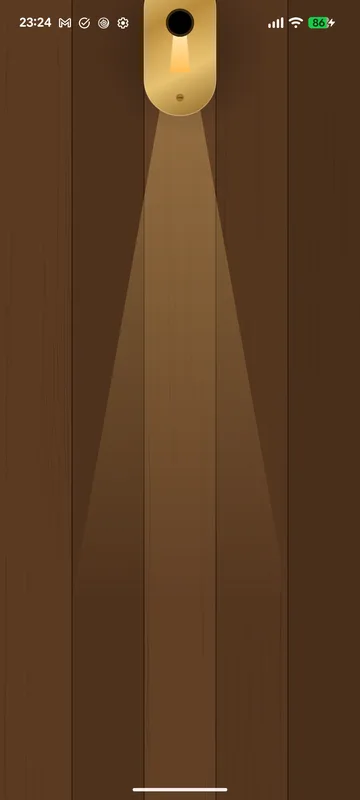
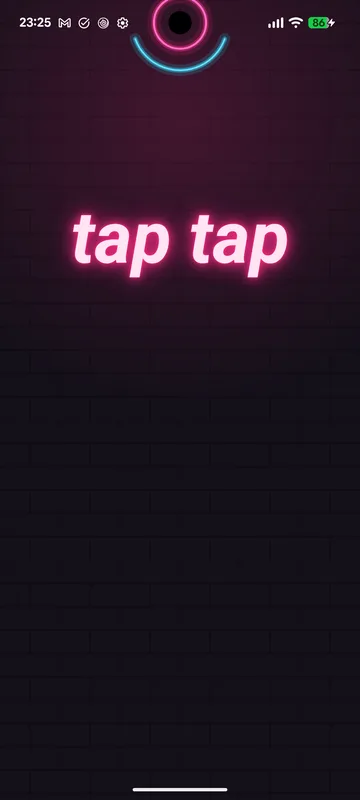
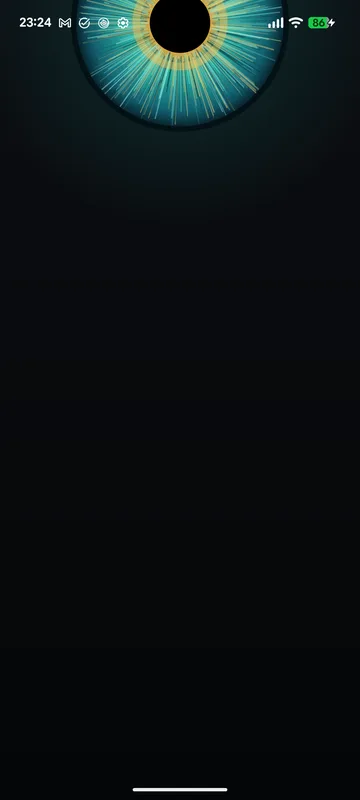
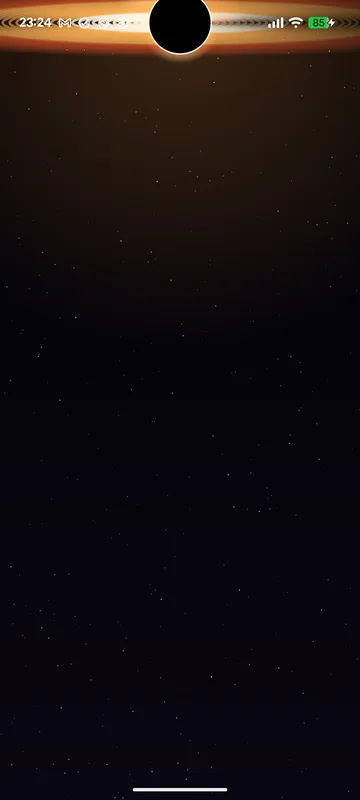
Each one is drawn on your phone around the exact spot your camera sits, so it lines up perfectly: the black hole's shadow, the galaxy's core, the donut's hole, the pupil of the eye.

Sunflower
Sunflower
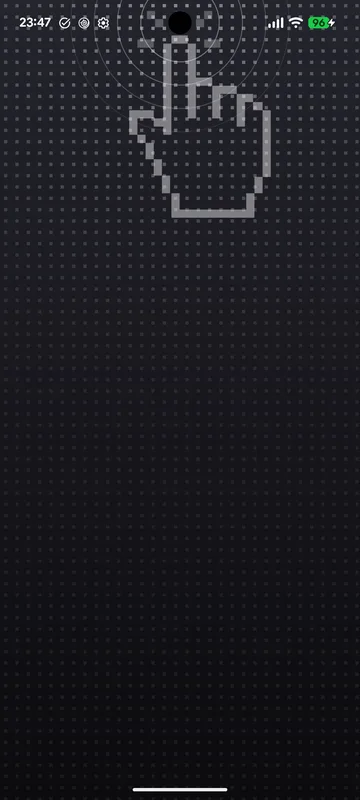
Tap tap: the pixel hand tapping the camera
Tap tap
Galaxy
Galaxy
Donut
Donut
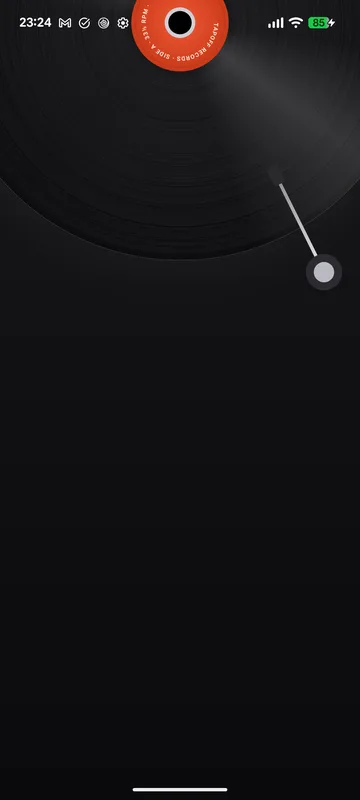
Vinyl
Vinyl
Keyhole
Keyhole
Neon
Neon
Iris
Iris
Gargantua
Gargantua
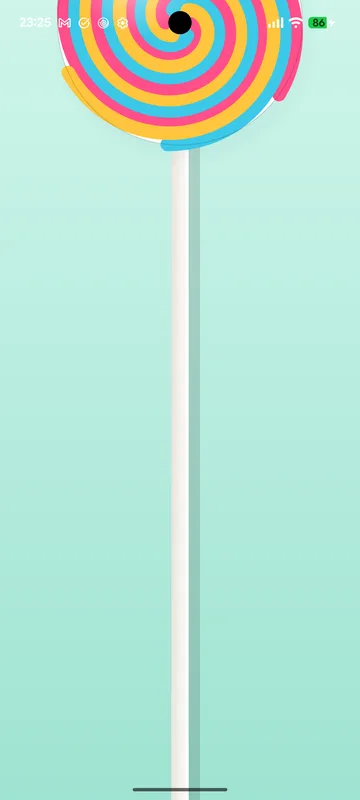
Lollipop
Lollipop
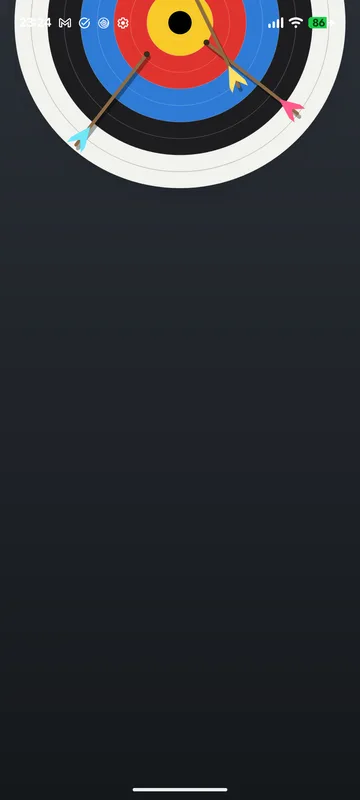
Bullseye
Bullseye
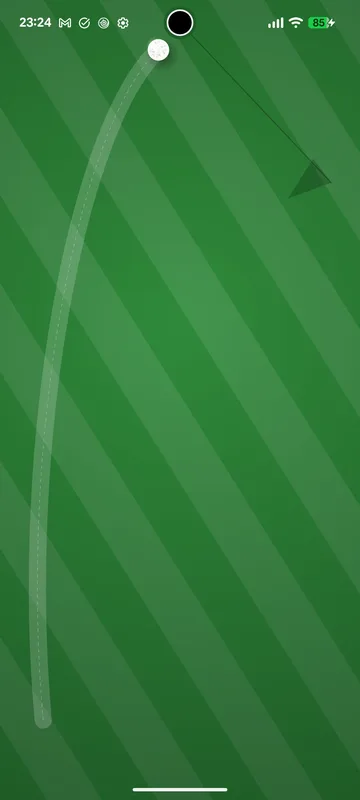
Hole in one
Hole in one
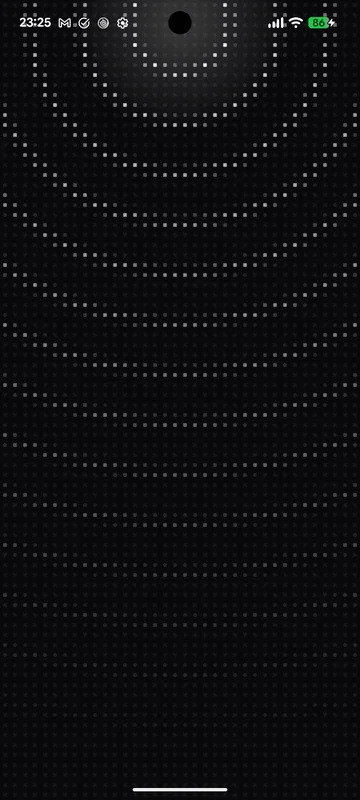
Pixel pulse
Pixel pulse

Plus Pixel's built-in wallpapers, a fresh Bing photo every day, NASA's Hubble photos at full resolution, and hand-picked Abstract, Minimal and Dreamscape art. Double-tap any wallpaper to save it to Favourites.

the story

“I got a new case. It broke my power button. So I built the fix and gave it away.”

Taseen, who made TapOff

I put an acrylic case on my Pixel 7 and suddenly the power and volume buttons stopped pressing the way they used to. Turning the screen off became a fight.

Pixel has no double-tap to turn the screen off on the home screen. The Play Store has apps that do it, but they all keep an accessibility service running all the time, and the moment I turned one on, my banking app refused to open.

So I built TapOff. It works on the same idea, but it only switches accessibility on for the second you double-tap, turns the screen off, and switches it right back off. Building it wasn't free for me. Using it is free for you.

Home screen

Double-tap any empty space. You feel a tap and the screen fades off.

Brightness and volume

Double-tap the back of the phone and sliders grow out of the camera.

new · back tap

Brightness and volume, one back tap away.

Case making the buttons stiff? Double-tap the back of your Pixel and two sliders grow out of the camera, right where your thumb already is. Drag, let go, and they tuck back in.

back tap

Double-tap the back of the phone

Uses Pixel's own Quick Tap: point it at TapOff Sliders once, and a double-tap on the back opens them from any app. No buttons, no pulling down Quick Settings.

drag

Sliders that grow out of your camera

Brightness and volume in your wallpaper's colours. The level jumps to your finger and follows it, with a tick for every volume step. Adaptive brightness stays on and keeps what you picked.

landscape

Sideways too

Watching something in landscape? A back tap opens the sliders in the middle of the screen.

out of the way

The rest of the screen keeps working

Only the sliders take touches. Touch anything else and it works as normal while they tuck back into the camera.

set it up

Five minutes, once

Install TapOff and give it one permission, on the phone with the free Shizuku app or from a computer. After that, you never think about it again.

0:00 / 1:38
The whole setup, start to finish, in 99 seconds. Voice: ElevenLabs. 3D phone: “Google Pixel 7 Pro” by Aborsoft 3D, CC BY 4.0.

No computer: install it, then Shizuku sets it up

  1. Download TapOff.apk on the phone and install it. Play Protect says App blocked to protect your device? Play Store → your profile → Play Protect → the gear → turn off Scan apps with Play Protect → Pause, then install again. Scanning turns itself back on the next day.
  2. Install Shizuku from the Play Store, open it and start it with Wireless debugging. It walks you through pairing on the phone itself; you need Wi-Fi.
  3. Open TapOff → Settings → Set up without a computer → Allow.

Rather not pause Play Protect? Start Shizuku first, then install InstallerX Revived, set its Authorizer to Shizuku and open TapOff.apk with it: it installs as shell, the way a computer's adb install does, which Play Protect doesn't check. The permission stays, so Shizuku can go afterwards.

Or: install it from a computer

  1. On the phone: Settings → About phone → tap Build number 7 times, then Settings → System → Developer options → USB debugging on.
  2. On the computer, download TapOff.apk and Android platform-tools.
  3. Plug the phone in and allow the prompt on it.
  4. In the folder with TapOff.apk, run this. It installs TapOff and gives it its one permission:
adb install -r TapOff.apk && adb shell pm grant com.taseen.tapoff android.permission.WRITE_SECURE_SETTINGS

Turn USB debugging off again afterwards if you like; the permission stays.

Make TapOff your wallpaper

Open TapOff → Settings → Set TapOff as home wallpaper → choose Home screen and lock screen. Then pick any wallpaper you like inside the app. The double-tap works through the wallpaper.

Optional: brightness and volume sliders

Turn on Sliders in TapOff and allow Display over other apps. Then tap Set up back tap: Quick Tap → Open app → the gear → TapOff Sliders.

questions

Play Protect says "App blocked to protect your device"

Google's fraud protection, now on in 185 markets, stops a browser or file manager from installing any app that has an accessibility service — TapOff's is what turns the screen off. Three ways past it, all in the setup above: pause Play Protect's app scanning for a day (Play Store → profile → Play Protect → gear → turn scanning off → Pause) and install again; install as shell with Shizuku and InstallerX Revived; or adb install from a computer.

Why does it need Shizuku or a computer once?

Switching an accessibility service on and off by itself needs a permission that apps can't give themselves; only Android's debugging tools can. Shizuku uses Wireless debugging on the phone to give it; a computer uses USB debugging. Without it, TapOff still works as a wallpaper app; the double-tap just won't turn the screen off.

Is it safe?

The code is open for anyone to read. TapOff reads nothing on your screen, has no accounts or analytics, and only goes online to download wallpapers.

Does it work on phones other than Pixels?

The home-screen double-tap works with launchers that pass taps on empty space to the wallpaper, which includes Pixel Launcher and most launchers built like it. Back tap uses Pixel's Quick Tap. Built and tested on a Pixel 7 running Android 17.

Does the brightness slider fight adaptive brightness?

No. It changes brightness the same way the Quick Settings slider does: adaptive brightness stays on and keeps the level you picked. In normal light Android caps brightness a little below full, so the very top of the slide may not get any brighter.

Found a bug?

Message @taseen_tariq_ on X. If you can't send a DM, reply to any post, or open an issue on GitHub.

Tap tap. Done.

One direct download. No store, no login, no sign-up, no ads.